Drift alerts: live versus your backtest
Why live trading differs from your backtest, and how drift alerts warn you: pin a baseline backtest, set thresholds, read Clear, Warning, Critical.
Why live differs from the backtest
A live deployment never repeats its backtest exactly. It trades on your broker's prices, spreads and fills, pays your broker's real costs, and meets markets the backtest never saw. Small differences are normal. A drift alert tells you when they stop being small: when the deployment does clearly worse than the backtest said it would.
Drift alerts only inform you. They never pause or stop a deployment; what to do is your call.
How it worksStrategy semanticsWhere the same strategy can behave differently in a backtest and livePicking a baseline
The baseline is a finished backtest of the revision the deployment runs, in the currency of the deployment's account: a backtest in another currency is refused, because profits in two currencies are not compared. Every comparison is made against it.
- When you deploy, the strategy's reference backtest (the one you pinned with Pin as reference) becomes the baseline by itself, if it ran the deployed revision.
- When you deploy a portfolio, each slot's backtest is pinned as that deployment's baseline for you (Deploying a portfolio).
- Otherwise, open the deployment's Performance tab and choose Pick a reference. Change reference swaps it for another finished backtest of the same revision.
The comparison is fairest when the baseline ran with your broker's costs attached and at a position size like the deployment's, relative to its balance. The deployment page warns you when the baseline ran on the raw feed.
What is watched
Two fast checks. Each fires as soon as live sets a new record the backtest never reached:
- Max drawdown — the live drawdown goes deeper than the backtest's worst (×1 by default);
- Losing streak — live loses more trades in a row than the backtest's longest losing streak (×1 by default).
Slow drift on four metrics: Profit factor, Sharpe, Win rate and Expected payoff. Each turns Warning when it is 10% worse than the backtest's, and Critical at 25% worse.
Live trades are not judged on their own: they are added to the backtest's trades, and the metrics are worked out over both. So there is no minimum number of live trades. Early on, the backtest weighs most and a few live trades move the figures very little; the longer the deployment runs, the more its own trades count.
How it worksLive vs backtest driftHow live trades are combined with the backtest's How it worksMetrics, definedHow profit factor, Sharpe, win rate and expected payoff are definedThresholds
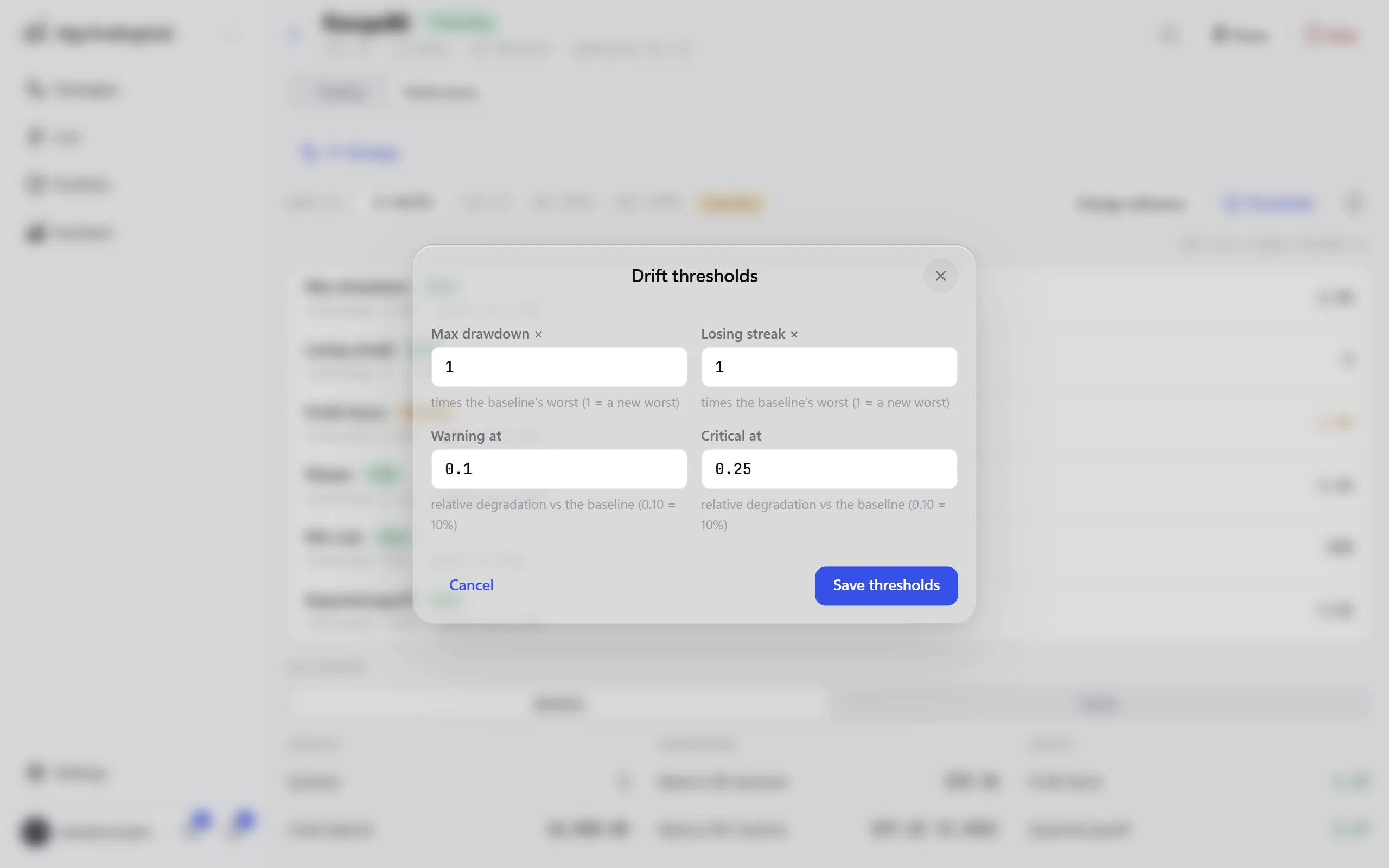
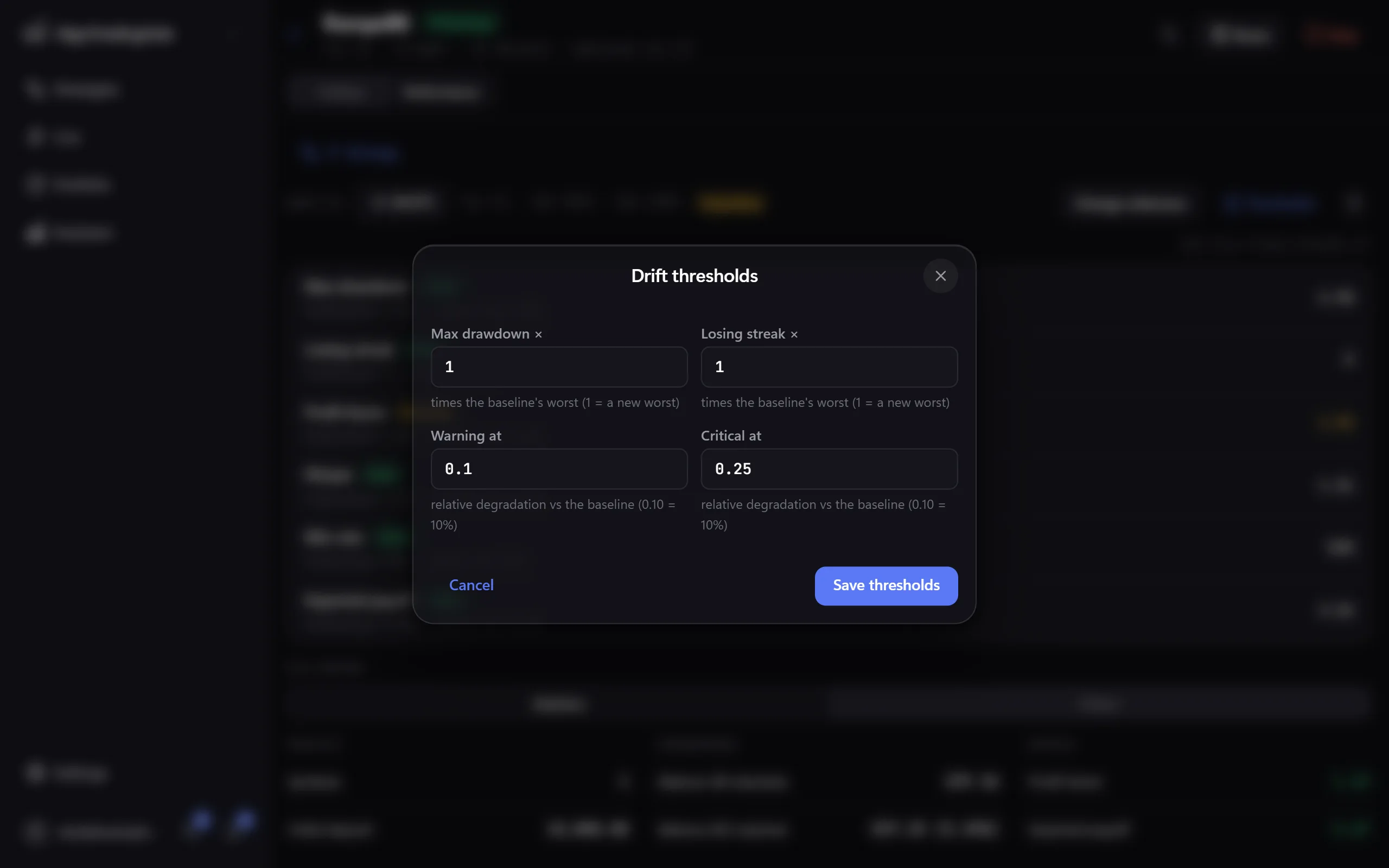
The defaults suit most deployments; you can change them per deployment. On the deployment's Performance tab, choose Thresholds:
| Field | What it sets |
|---|---|
| Max drawdown × | times the baseline's worst (1 = a new worst) |
| Losing streak × | times the baseline's worst (1 = a new worst) |
| Warning at | relative degradation vs the baseline (0.10 = 10%) |
| Critical at | relative degradation vs the baseline (0.10 = 10%) |
A higher multiplier lets live go further past the backtest's worst before it fires. The Warning share must be below the Critical share. The thresholds apply to this deployment only.
Clear, Warning, Critical
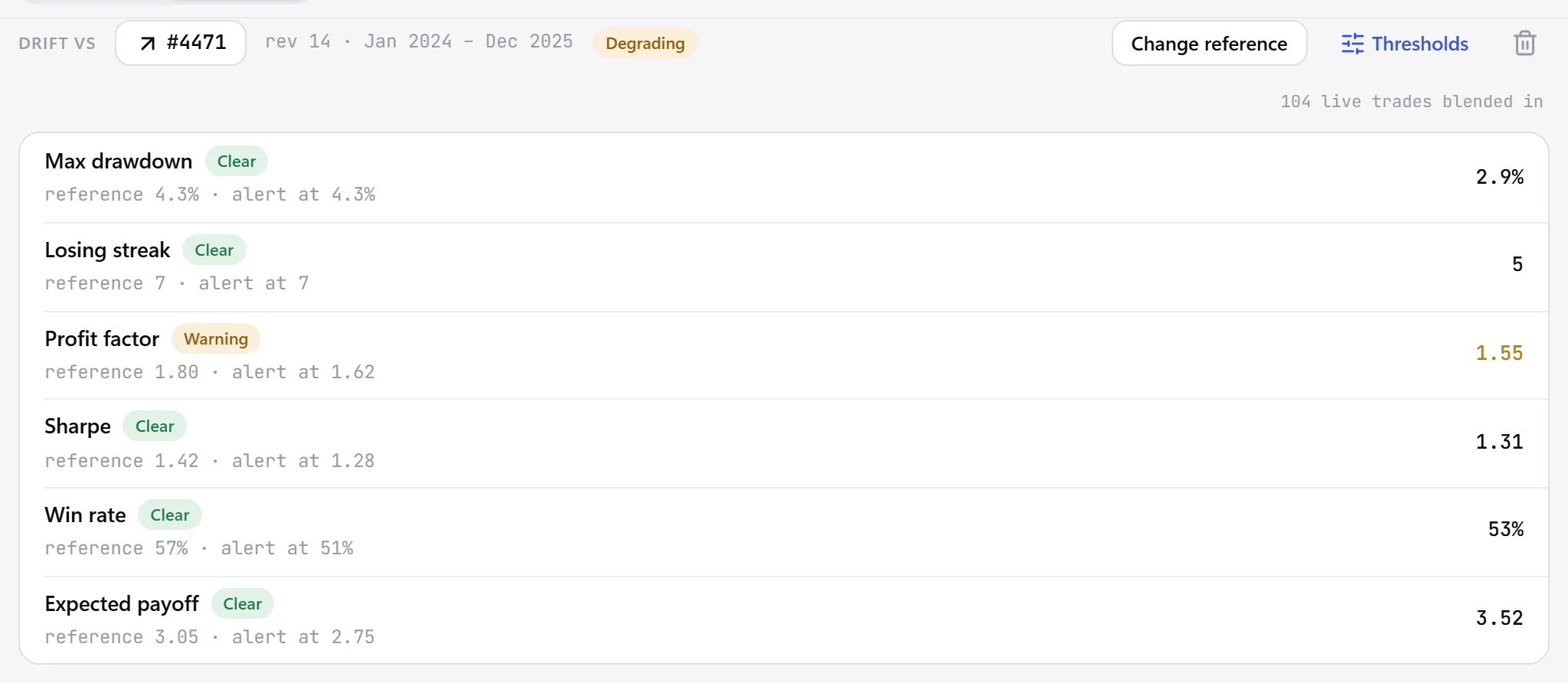
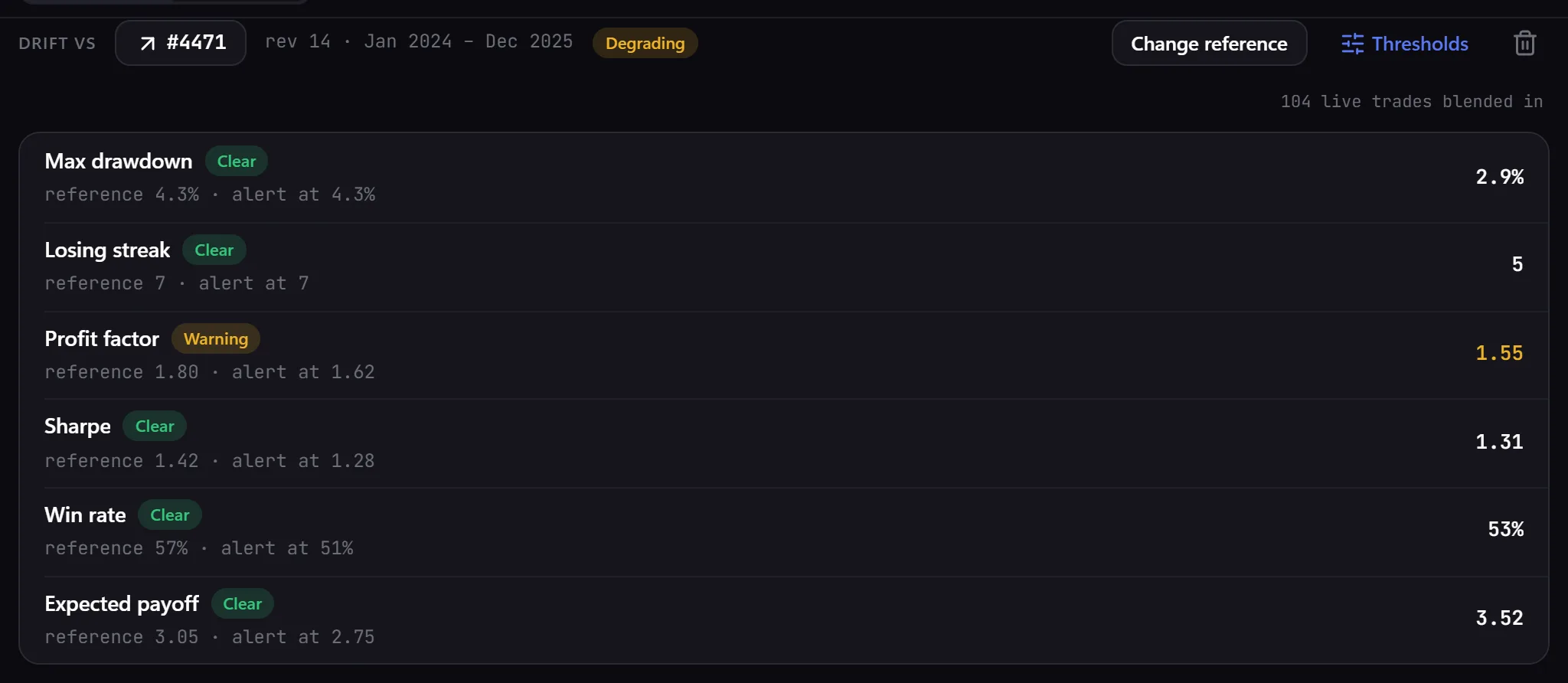
The deployment's drift section shows, for each metric, the backtest's value, the line where it alerts, the combined value and a status:
- Clear — within its line;
- Warning — a slow-drift metric past the Warning share;
- Critical — a fast check fired, or a slow-drift metric past the Critical share.
It also says how many live trades are blended in. A metric with no live result yet shows no status.
The alert
When a metric crosses its line you get Live divergence detected, naming the strategy, the metric, the live value and the baseline's. While it stays over the line, a reminder comes at most once a day. A slow-drift metric that worsens from Warning to Critical is announced again at once, as Critical.
- Alerts arrive in the app and by email, as your settings allow. By default a Critical alert is also emailed and a Warning stays in the app; change it in Settings → Notifications, category Divergence.
- While the deployment holds open positions, the check runs every 300 seconds, so a deepening loss on them reaches the drawdown check without waiting for a close. While it is flat, the check runs again when a live trade closes, and once a day.
Removing a baseline
Remove baseline on the drift section removes the baseline: nothing is compared, and no drift alert comes, until you pick a new one. If the baseline backtest is deleted, the section reads Reference deleted and stays quiet until you pick another.
How it worksLive vs backtest driftThe baseline rules in fullQuestions?support@algotradinghub.io