Drawdown limits
Cap how much a strategy or a broker account can lose, or close everything at a profit target: the kinds of limit, their states, and a prop firm's rules.
Two kinds of limit
A drawdown limit closes positions when a loss reaches a percentage you set. There are two kinds, and each works on its own:
| On a strategy | On a broker account | |
|---|---|---|
| Where you set it | The strategy's Strategy settings → Risk | Live → the account's page → Drawdown limits |
| What it counts | That deployment's own profit and loss | Your deployments on the account, or the whole account |
| Its periods | Daily, weekly and monthly on the calendar of the strategy's time zone; shorter windows rolling from the deployment's start | Calendar periods: UTC, or the day start and time zone you set |
| In backtests | Yes | No |
A limit is a percentage, not a guaranteed exit price. Positions close at market once the limit is reached, so after a fast move or a price gap the loss you end with can be larger than the cap.
On a strategy
Video tutorial · H1 · on YouTubeStrategy drawdown limitsA strategy limit belongs to the strategy, so every deployment of it carries its own copy, and its backtests use it too.
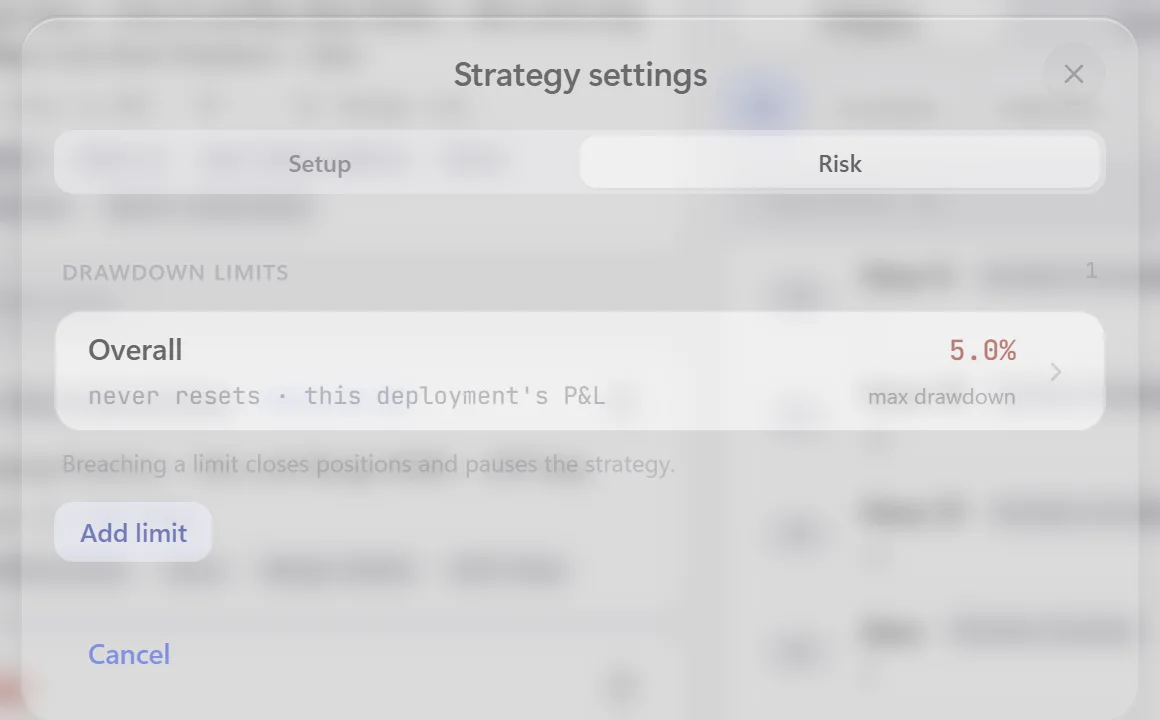
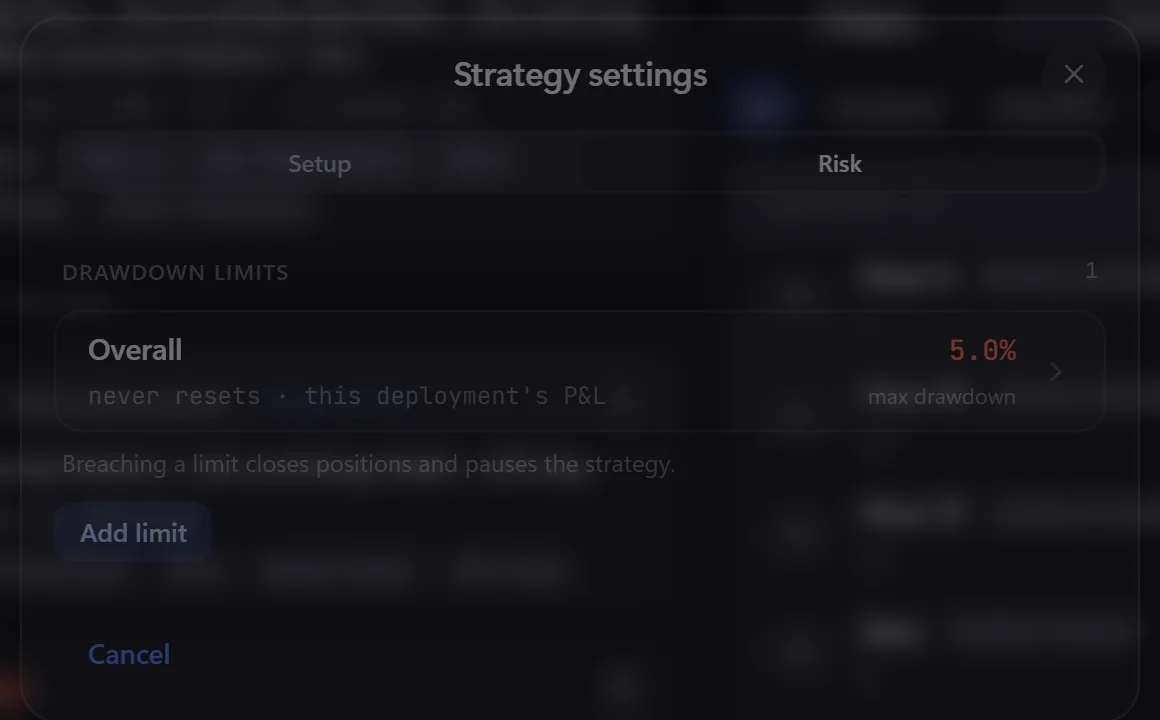
- Periods. Two that never reset — Overall, measured from the highest balance the deployment has realised, and Static overall, measured from the balance it started with, which never moves — or a timed window: M1, M5, M15, M30, H1, H4, D1, W1 or MN1. One limit per period. D1, W1 and MN1 follow the calendar in the strategy's time zone (a day from midnight, a week from Monday, a month from the 1st); the shorter windows run for their length from the moment they open.
- What it counts. Only the deployment's own profit and loss: its closed trades, net of costs, plus its open positions — the list calls it "this deployment's P&L". The percentage is taken of the whole account's balance, not of a share of it. To cap the whole account, use an account limit.
- A timed breach closes the deployment's positions and cancels its resting entry orders, and it opens nothing until the window has passed. Then it carries on by itself.
- An Overall or Static overall breach stops the deployment and closes its positions. It then reads Halted. To trade again, restart it: its limits start again from zero.
- A server restart or update changes nothing: a timed pause stays in force until its window passes, and the Overall limit keeps the highest balance reached. Only your own restart starts the limits afresh.
- While you pause the deployment its limits keep measuring and acting.
- Limits are part of the revision. A deployment keeps the limits of the revision it was deployed with. To apply new limits, deploy the new revision.
- In a backtest, an Overall or Static overall breach ends the run early ("Halted by drawdown limit."), and a timed breach closes positions until the window passes.
On a broker account
Video tutorial · H2 · on YouTubeAccount drawdown limits and prop-firm rulesAn account limit protects the broker account as a whole, across every deployment on it. It is measured all the time, whether or not anything is deployed. To do that, AlgoTradingHub keeps the account connected to your broker even with nothing deployed, except in three cases: until the account is verified, while it needs a re-link, and while you are without a plan. In those cases its limits are not measured, and they resume on their own once the account is verified, you re-link or your plan returns.
- Periods. Overall (from the highest balance), Static overall (from the starting balance you enter, or else the balance when the limit was created; it never moves — a prop firm's maximum loss), or a timed period from M5 to MN1 (there is no M1).
- When a day starts. By default timed periods follow the UTC calendar: a D1 limit resets daily 00:00 UTC, a W1 limit resets Monday 00:00 UTC. In the editor, "Day starts at" and "Time zone" move the day to your broker's or your prop firm's — for example 17:00 New York, or midnight in Prague. Weeks then start on Monday and months on the 1st at that time, daylight-saving changes included.
- Up to 10 limits per account.
- What it counts. With "Count your deployments only" on, only your deployments' profit and loss counts. With it off, the whole account counts, manual trades included. Positions a deployment left open when you stopped it and kept its positions no longer count with the switch on: only a whole-account limit still sees them.
- What it measures. Equity, open positions included, against the balance at the start of the period (for Overall, the highest balance so far). A period that opens on losing positions starts already in drawdown.
- On a prop firm's terms. Under "Prop firm terms" a limit can be measured from the equity, or from the higher of balance and equity, instead of the balance; take its percent of a fixed starting balance; and, for Overall, let the peak rise only once a day, stop the floor at the starting balance, and choose what a withdrawal does. Every option starts on the behaviour above.
- Deposits and withdrawals don't count as drawdown. The limit moves its reference by the same amount.
A whole-account limit closes your manual trades
Under a whole-account limit, the trades you place yourself count towards the drawdown, and a breach closes the ones open at that moment and cancels your manual pending orders, as a whole-account profit target does. A trade you open after the breach is left alone. With "{{ui:live.limits.editor.scopeLabel}}" on, your manual trades never count and are never closed.
States
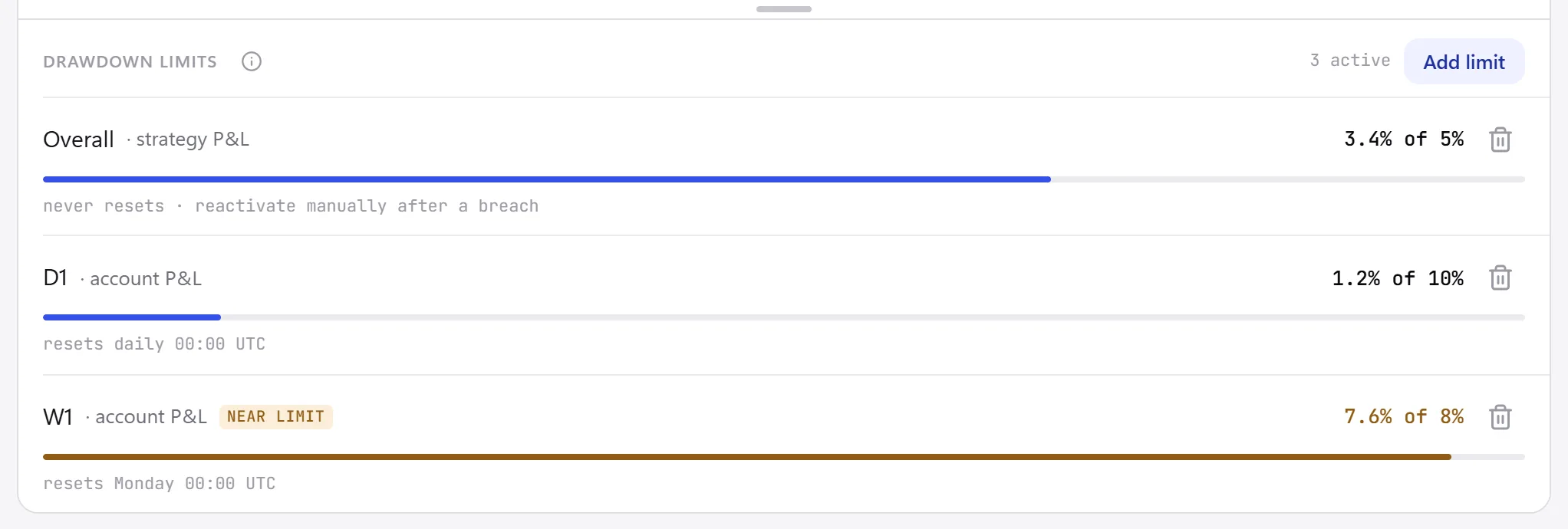
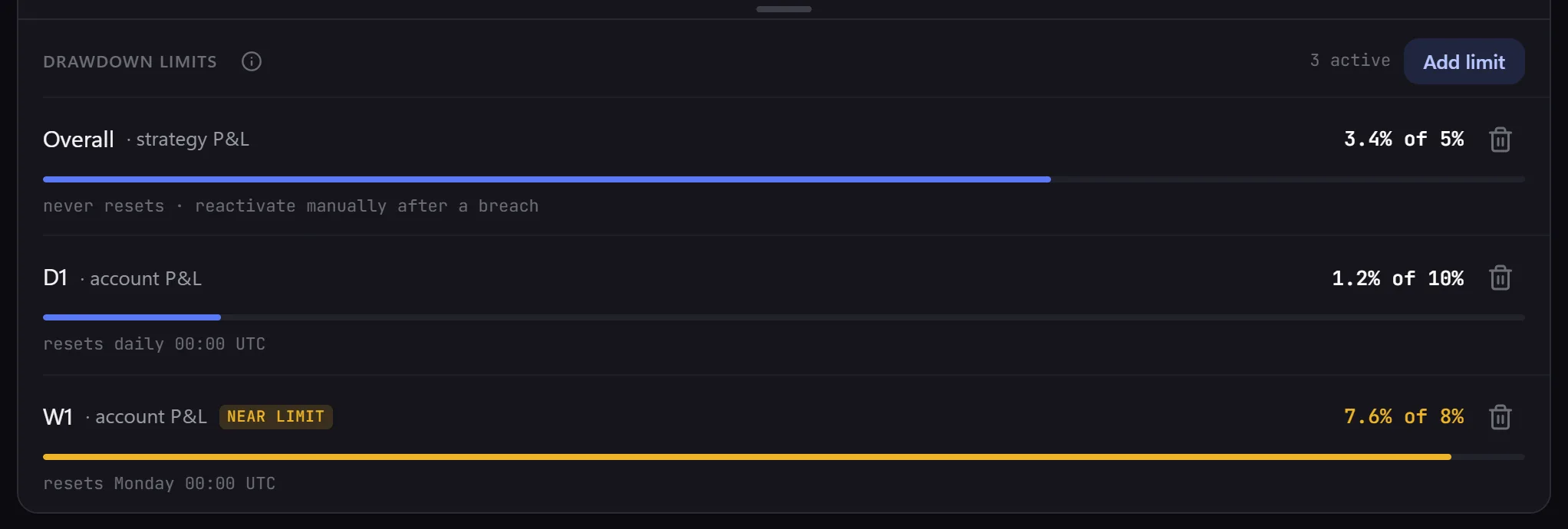
Each limit shows how much of its cap is used (for example "2.1% of 5%"), a bar, and a state:
- No tag: the limit is armed and watching, below 80% of its cap.
- Near limit: at or above 80% of its cap. You also get a notification — "Drawdown warning" for a strategy's own limit, "Near an account drawdown limit" for an account limit: once per window for a timed limit, and for the two that never reset again only after the reading has fallen back under half the cap.
- Held: a timed limit was reached. On the account page the state also says when the hold ends.
- Breached · stopped: an Overall or Static overall limit was reached.
- Reached · locked: the account's profit target was reached.
The account's limits are on its page. A deployment's page shows the limits of its own strategy, with the same states.
The account page's chart draws the Overall or Static overall limit and the profit target as dashed lines, each at the level where it acts: the floor the limit closes at, the equity the target closes at. The chart shows your deployments' P&L from their start, so each line sits at its level's distance from the equity that zero stands for. A Static overall floor stays at the starting balance less its percent while the account is in profit, and a trailing floor moves only when its peak rises. A limit that has not been measured yet has no line.
Breach, hold, reactivate
What an account limit does when it is reached depends on its period:
- A timed limit holds the account. Every deployment on it closes its positions and cancels its resting entry orders, and no new entries are made until the period ends. Trading then resumes by itself. Nothing ends a hold early: not deleting or raising the limit, not pausing, resuming or restarting.
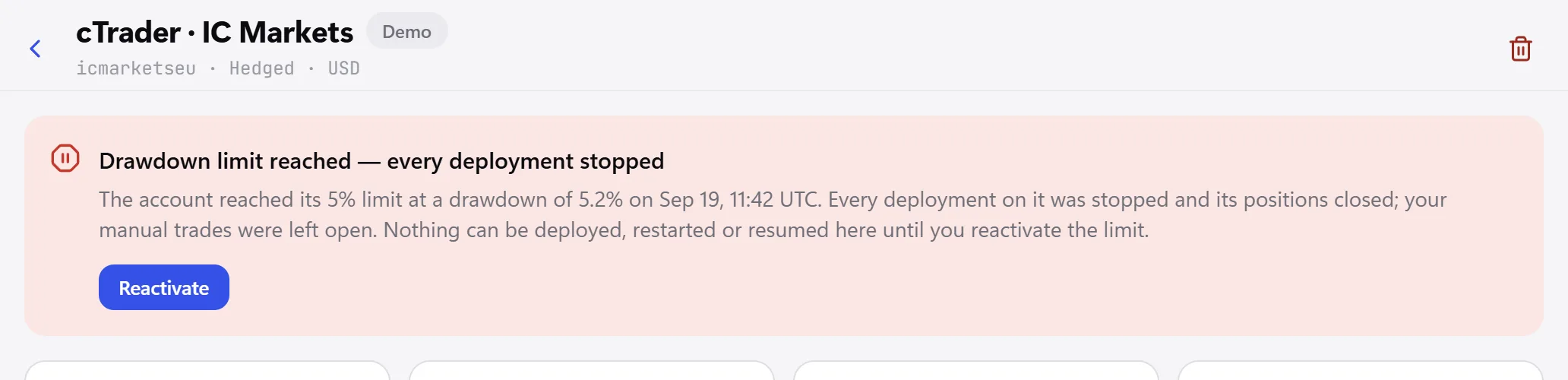
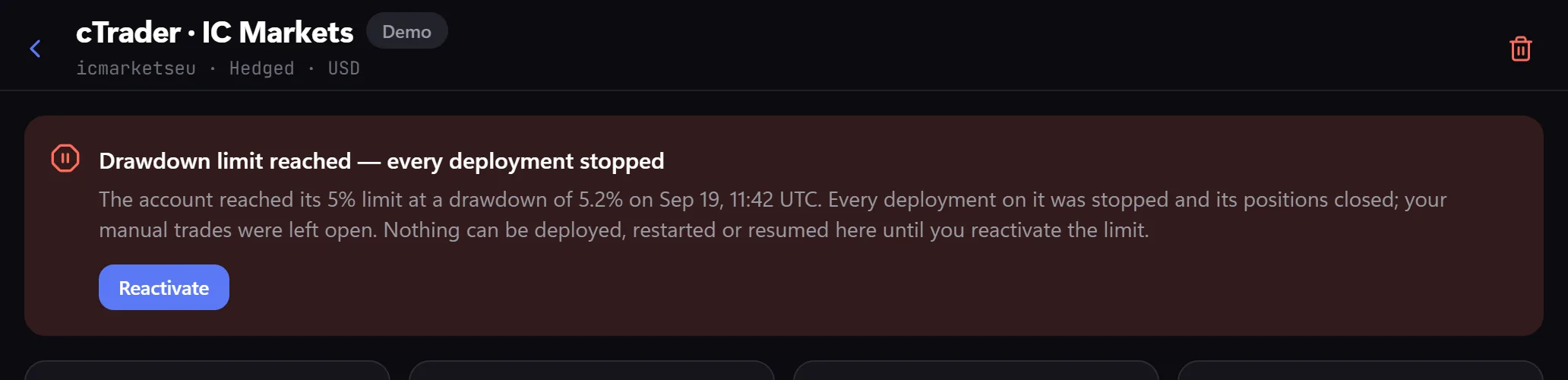
- An Overall or Static overall limit stops the account. Every deployment on it is stopped and its positions closed; each reads Account limit. The account is locked: nothing can be deployed, restarted or resumed on it until you press Reactivate. Deleting or editing the limit does not unlock it.
- On the whole account, your manual trades open at the breach close too, and your manual pending orders are cancelled, whichever the period. A trade you open after the breach, during a hold too, is left alone. If your broker refuses a close because its market is shut, the platform keeps asking until the hold ends (a timed limit) or until you reactivate the account (Overall, Static overall), for 3 days at most: a daily breach just before a weekend can leave a position open, to close at your broker. With "Count your deployments only" on, your manual trades stay open.
- Reactivating measures the limit again from the current balance; the old peak is forgotten. A limit with a starting balance keeps it: an Overall peak starts again no lower than it. It restarts nothing by itself. The page then offers to restart the deployments the limit stopped. Each restart runs every deploy check again, and the deployment keeps its trades and history.
You are notified when an account limit holds the account and when it stops it.
Profit target
A profit target closes everything once the account has made what you aimed for: the end of a prop firm challenge's phase, for example. On the account's page, Add target.
- The target is a percent of the Starting balance, filled in with today's balance: enter the one your prop firm states. The editor shows the equity to reach.
- It is exact. It fires the moment the account's equity reaches it. Nothing is added for spread or slippage; if you want room for them, put it in the percent. The positions then close at market, so the balance they leave can differ a little from the target.
- When it is reached, every deployment on the account is stopped and its positions closed; each reads Target reached. The account is locked, as after an Overall breach, until you press Reactivate, and you are notified.
- Before reactivating, raise or delete the target: an account still above it locks again a few seconds later. The page warns you.
- What it counts follows the same switch as a limit: your deployments only, or the whole account. Deposits and withdrawals move the target by the same amount, so they never reach it for you.
- One target per account and scope. It never resets: there is no daily or weekly target.
A whole-account target closes your manual trades
When a target that counts the whole account is reached, every position on the account is closed, the trades you opened by hand included, and your manual pending orders are cancelled. With "{{ui:live.limits.editor.scopeLabel}}" on, only your deployments' positions close.
Applying a prop firm's rules
Apply rule set, at the head of the account's limits, sets them from a prop firm's rule set in one step: pick the program, the account size and the stage your account is in, and confirm the starting balance. It sets the firm's daily loss, its maximum loss (static or trailing) and, in a challenge phase, its profit target, all on the whole account, and you can put your own daily stop, tighter than the firm's, in place of its daily loss. A preview shows what it sets and what it replaces before anything changes.
The limits are then yours to edit. The account remembers which rules filled them and marks a limit you loosen past the firm's. See Prop firm accounts for the rule sets, and for what is enforced live and what only in the simulator.
How it worksDrawdown limits, exactlyWhich limits a rule set writes, and which it replacesWhich one to use
- A strategy limit travels with the strategy and is tested in its backtests. It guards one strategy's own losses, wherever it runs.
- An account limit guards the account as a whole: several deployments together, and your manual trades if you choose — a breach then closes them too. Its periods follow UTC, or the day start you set.
- A profit target on the whole account ends a challenge's phase on a flat account, at the number you set.
- Both at once is fine. They are checked independently, and the stricter action wins: an Overall stop of either kind overrides a hold or a pause.
Questions?support@algotradinghub.io