Running a backtest
How to start a backtest: which revision and dates you can test, the simulated account, broker costs, progress, cancelling, rerunning and plan limits.
Starting a run
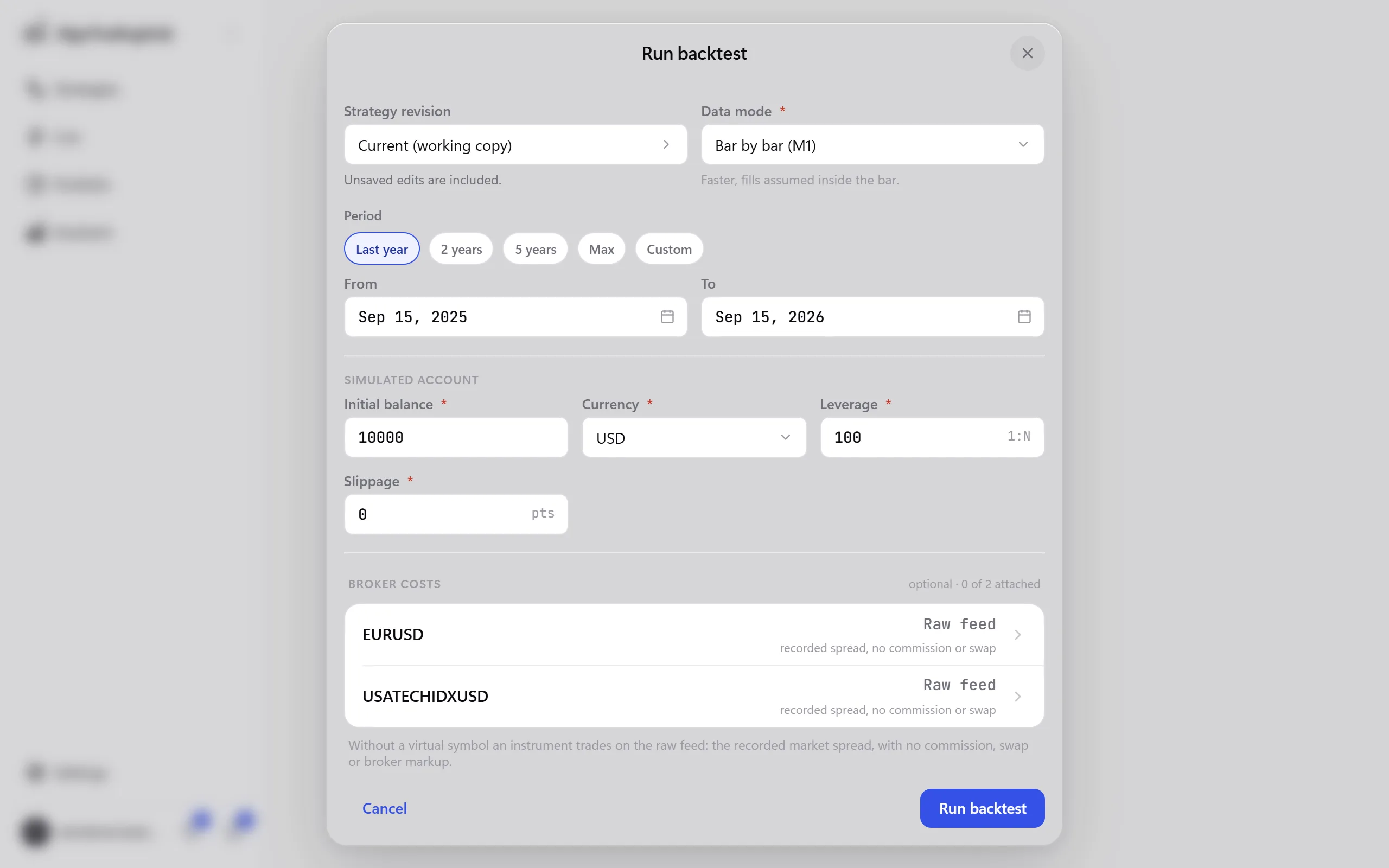
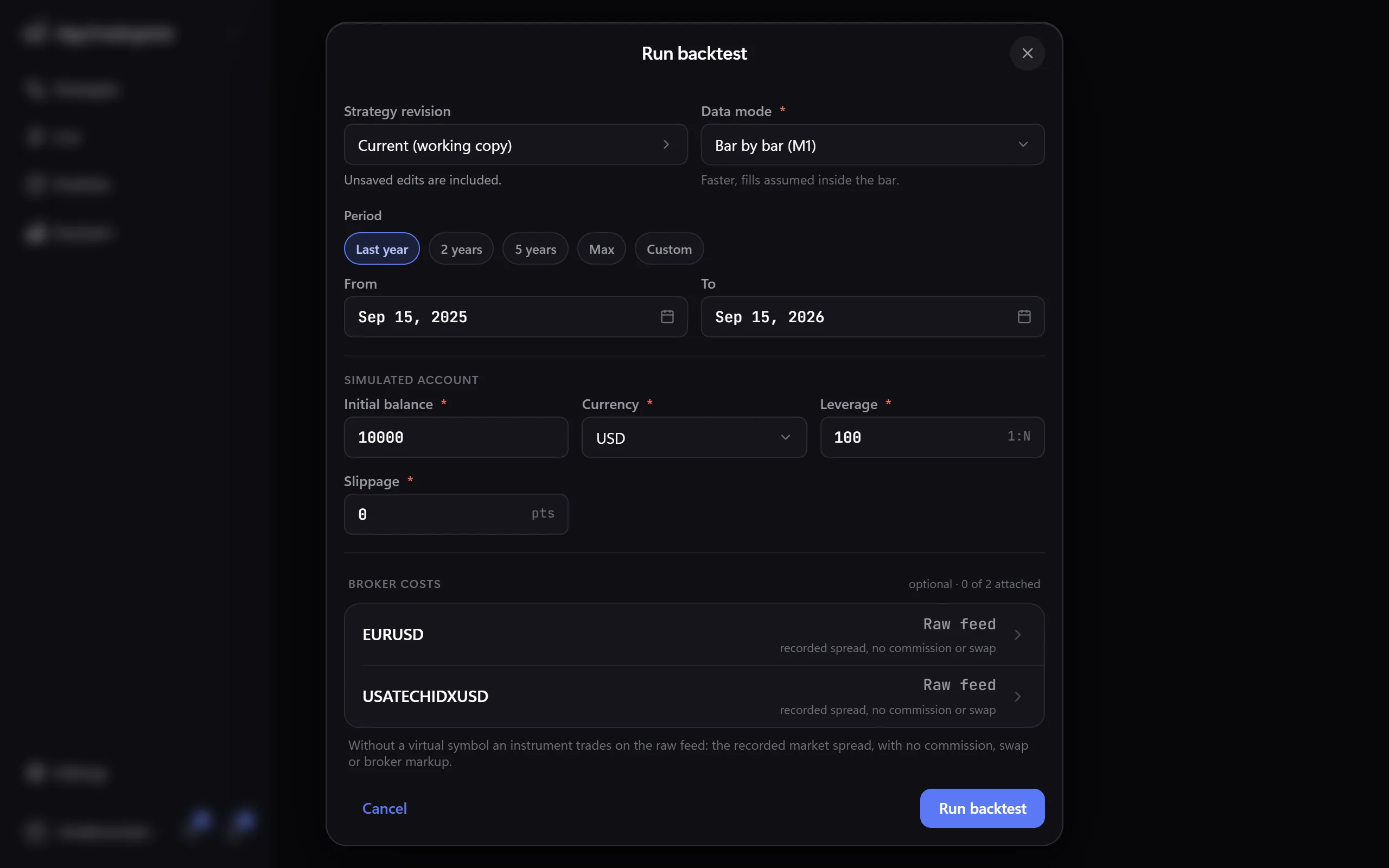
- In the strategy, open Backtests and choose Run backtest.
- Pick the revision. Current (working copy) runs what the editor shows right now: it is saved as a revision first, so the run always keeps the exact rules it tested. You can also pick any earlier revision.
- Pick the Data mode: Bar by bar (M1) or Tick by tick. Which one to use is on Bar or tick mode.
- Set the dates, the simulated account and the broker costs (the sections below), then choose Run backtest.
If the strategy cannot run as saved, the dialog says why before anything starts: each action that lacks a level it needs (a volume, for example) is listed with a link to its editor, and a strategy over the complexity limit is refused with the parts that weigh most.
Which dates you can use
- A run can only cover the stretch where every instrument the strategy reads has price history. The period picker shows that window, and when one symbol starts later than the others it says which one sets the start.
- Pick a preset (Last year, 2 years, 5 years, Max) or Custom dates.
- A single run can span up to about 30 years, in both modes, anywhere in the history.
- When a hold-out is sealed on the strategy or on any of its copies, a run must end before the seal date: the period picker stops there and says so, and a run that reaches it is refused before anything starts (The sealed hold-out).
Balance, leverage and account
The Simulated account block sets the account the run trades on:
- Initial balance and Currency — one of USD, EUR, GBP, JPY, CHF, CAD, AUD, and NZD. Profits on instruments quoted in another currency are converted into it; a run whose instruments include one that cannot be converted into it is refused when you start it, naming the instrument.
- Leverage — up to 1:500. Leverage sets how much margin each position locks. With too little free margin, opens are refused and pending orders are cancelled when they trigger. If equity falls below zero the account is stopped out: every position is closed and the run ends there.
- Slippage — a fixed number of points every simulated fill moves against you. Zero means no slippage.
The account model — Hedged (several positions per symbol) or Netting (one net position per symbol) — is not a run setting: every run uses the one the strategy declares in its settings. The report's Setup row names it, with the strategy's time zone.
How it worksOrders and fillsWhich fills slippage applies to: opens, closes, stops, targets, pending orders How it worksCosts and the accountHow margin is worked out, and when an open is refused or a position stopped outBroker costs and replay
Video tutorial · D3 · on YouTubeYour broker's costs in a backtestBroker costs are chosen per instrument. For each instrument the strategy trades, either attach a virtual symbol (your broker's commission, swap and spread, set up in Settings → Virtual symbols) or leave it on Raw feed: the recorded market spread, with no commission and no swap.
The costs are frozen into the run when it starts. Editing or deleting the virtual symbol later never changes a run that already exists.
How it worksCosts and the accountWhat a virtual symbol can change, and what the raw feed chargesRecord a replay keeps a recording you can play back afterwards. Tick it before the run starts: it cannot be added to a finished run (rerun it with recording instead). Recording makes the run take longer but never changes its results, and the recording is kept for 30 days. A tick-by-tick run can also record a High-resolution window of up to 92 days, tick by tick.
How it worksReplayWhat a replay records, and how long it is keptWhile it runs
- The run happens on our servers. It keeps going if you leave the page or close the browser.
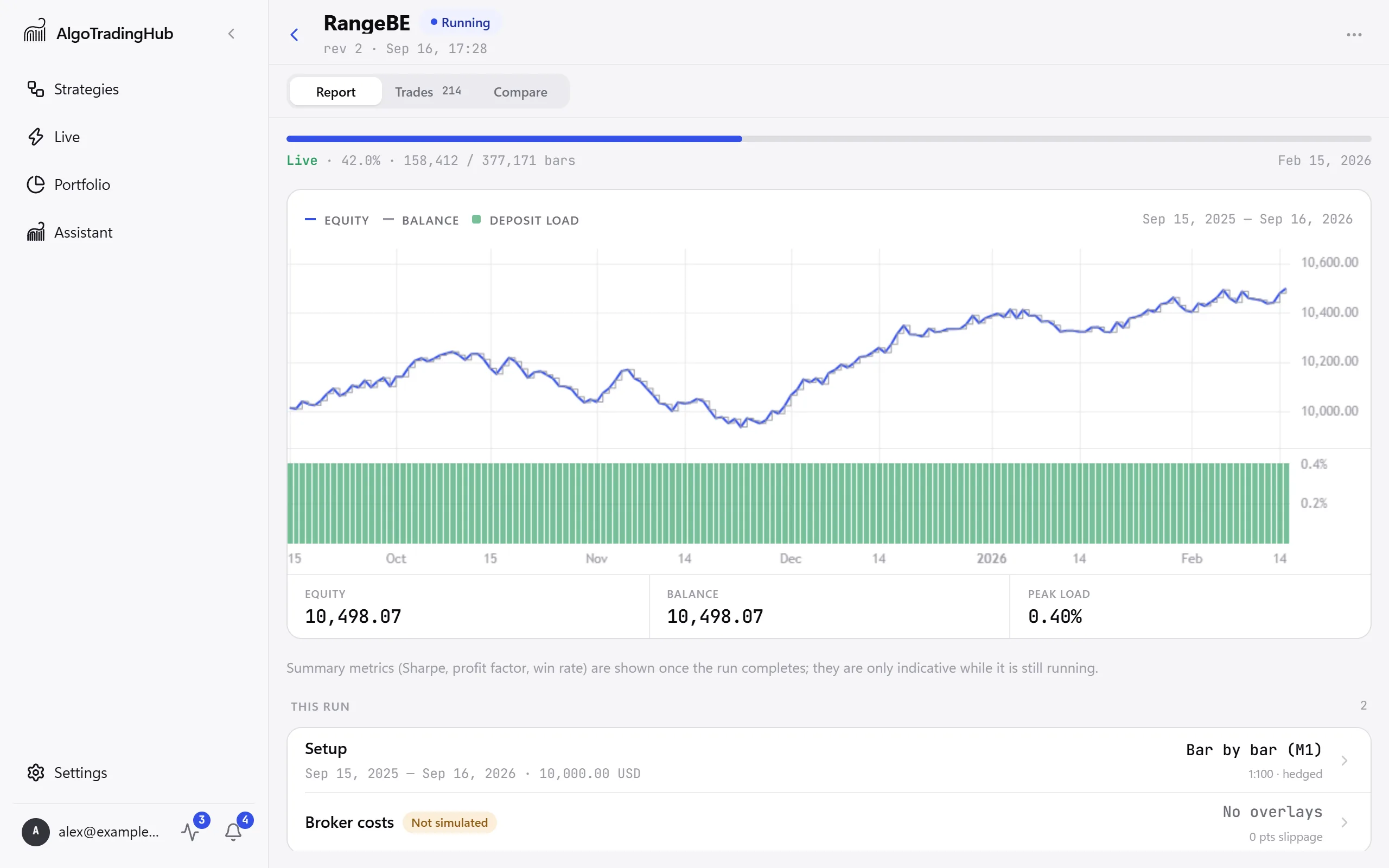
- Right after you start it, a run can show Pending — "Queued, waiting for the engine to start…" — until a server picks it up. It then shows Running with its progress.
- The summary figures are only indicative until the run completes.
- Cancel run stops the run at any time. It keeps the partial results computed so far.
- A run that would need more memory than a backtest runs with is refused when you start it, rather than started to fail. In tick mode what decides is how many markets the run reads tick by tick, far more than the length of the period: the strategy's own markets, plus the pairs it reads to convert results into your account currency. The message names those markets, says how many tick mode fits over your period, and how to fit: bar mode, which needs much less memory; splitting the strategy's markets across separate runs; an account currency that needs fewer conversion pairs; or a shorter period, when that alone is enough.
- A run that cannot finish ends as Failed, and its page says why: a limit it hit, or, rarely, running out of memory. That message names the memory a backtest runs with and what to change: a shorter period, for example several runs of a few years each, or bar mode, which needs much less memory.
- Once it completes, the report's Monte Carlo tab replays its trades in thousands of other orders, to show how much of the result came down to their order (Monte Carlo).
- A completed run counts as one variant in the strategy's validation report, and stays counted if you delete it; an identical rerun does not add a variant.
Rerun
Rerun opens the run dialog with the same revision and the same settings as the run you start from, broker costs included.
- Change nothing, and the new run repeats the original exactly, with the costs that were frozen into it — even if the virtual symbol has been edited since.
- Change any broker-cost row, and the costs are read again from the virtual symbols as they are now.
- Pick another revision, and the new run tests that revision instead.
A rerun counts as a new run against your plan. A rerun that reaches a sealed hold-out is refused, like a new run.
What your plan allows
- Every plan: no monthly count, tick mode and the full history included, and a daily backtest time: 15 minutes on the base plan, more with the backtest time add-on. A run holds a share of it and stops when it reaches that share (Plans and usage). As a rough guide, a typical backtest uses about half a minute of the day's backtest time: most take a few seconds, and one that needs a fresh machine, usually the first after a pause, counts for at least a minute. Tick mode and very long histories use more.
- One backtest runs at a time, on every plan. Up to twenty more wait in your queue and start one after another, taking turns with other users; a run waiting its turn shows Pending. A queued backtest holds none of your day's backtest time: it takes what the day has when its turn comes.
- When today's backtest time runs out, queued backtests wait for 00:00 UTC, or start within a minute of buying more; a new start on a spent day is refused.
- A backtest that waits 72 hours leaves the queue; cancelling or deleting a queued backtest costs nothing. A walk-forward's out-of-sample runs go through the same queue, one at a time.
- Without a plan no backtest starts; the results you already have stay readable.
When a limit stops a run from starting, the dialog says which one and what to do.
Questions?support@algotradinghub.io